Request
Start with the task the user already has in mind.
Everyday help, within reach.
An independent product design and UX writing study by Hamza Trabelsi, developed in English and Arabic from the start.
The design brief
Many everyday tasks are too small or spontaneous for a traditional service marketplace.
Sometimes the right person is a nearby individual with the time and ability to help, rather than a service company.
Wegigo connects the person making the request with someone nearby who is available to take it.
“The service should feel as direct
as asking someone nearby for help.
The core flow
Start with the task the user already has in mind.
Communicate active progress without inventing certainty.
Bring the person, ETA and contact actions to the front.
Starting a request
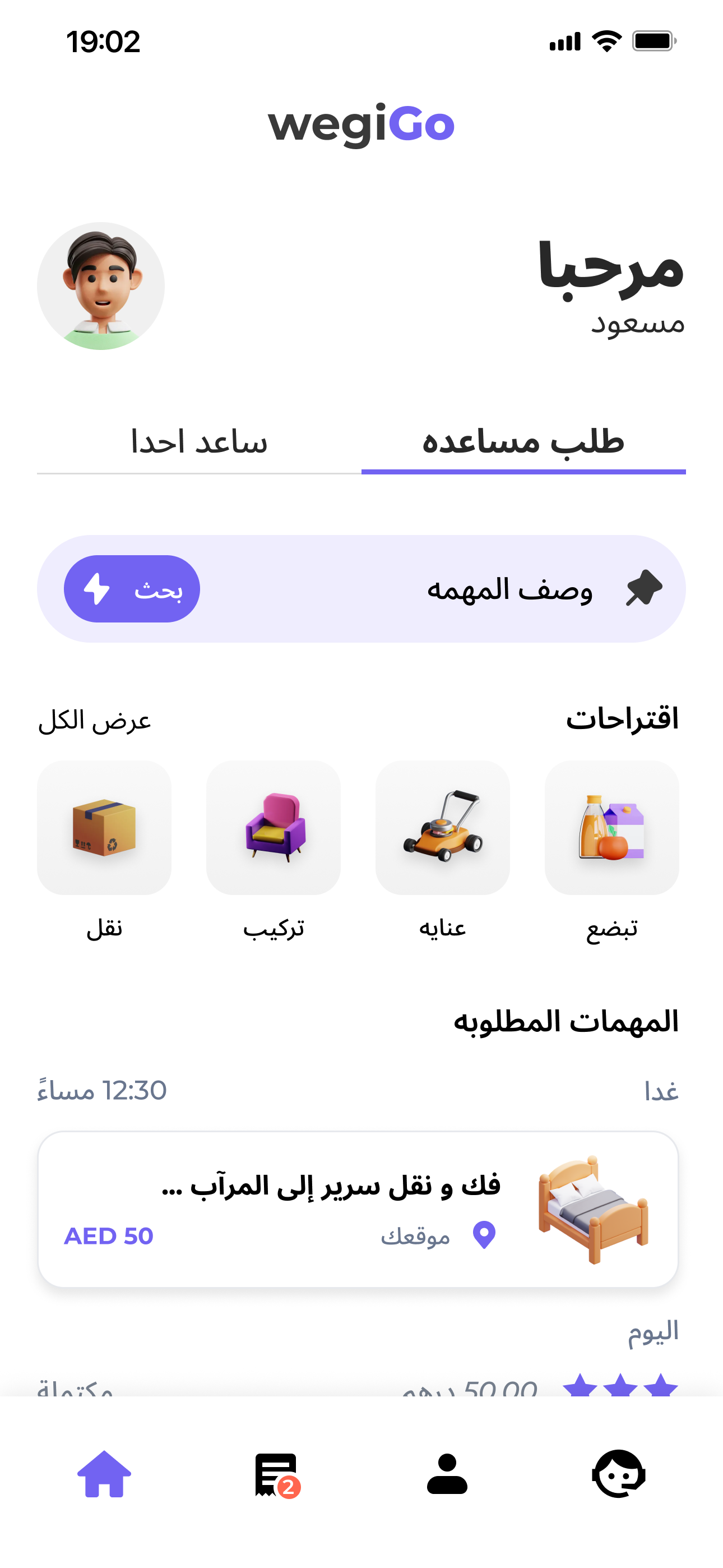
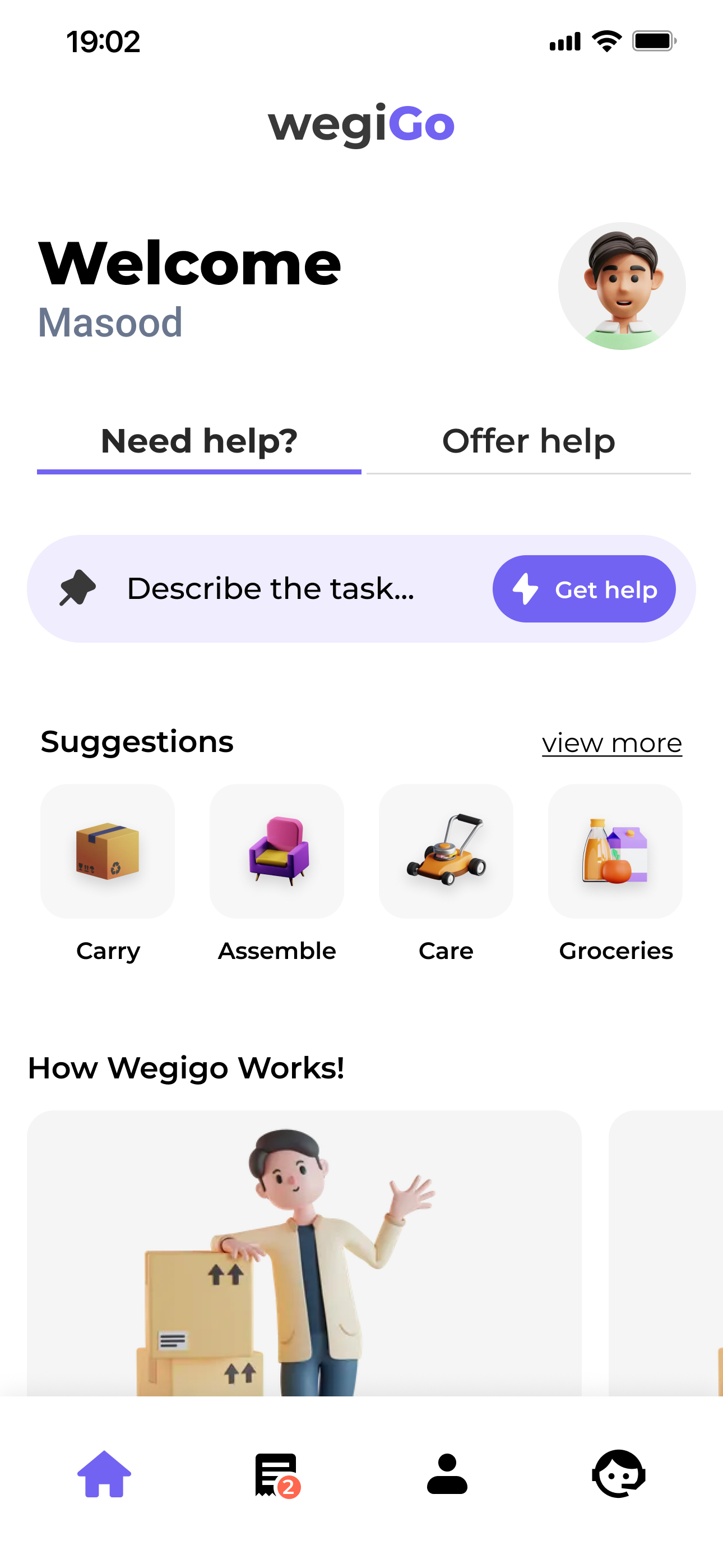
A person who wants to move a bed already knows what they need. Asking them to choose between furniture, carrying and home services adds work before the request has even started.
“Describe the task…” is the primary interaction. Categories remain available when someone wants a shortcut or needs help deciding what to write.
Requester and helper
A person can request help today and offer it another day. The product changes mode without assigning a permanent identity.
Describe the job and find someone available nearby.
Use your time and ability to help someone else.
Communicating activity
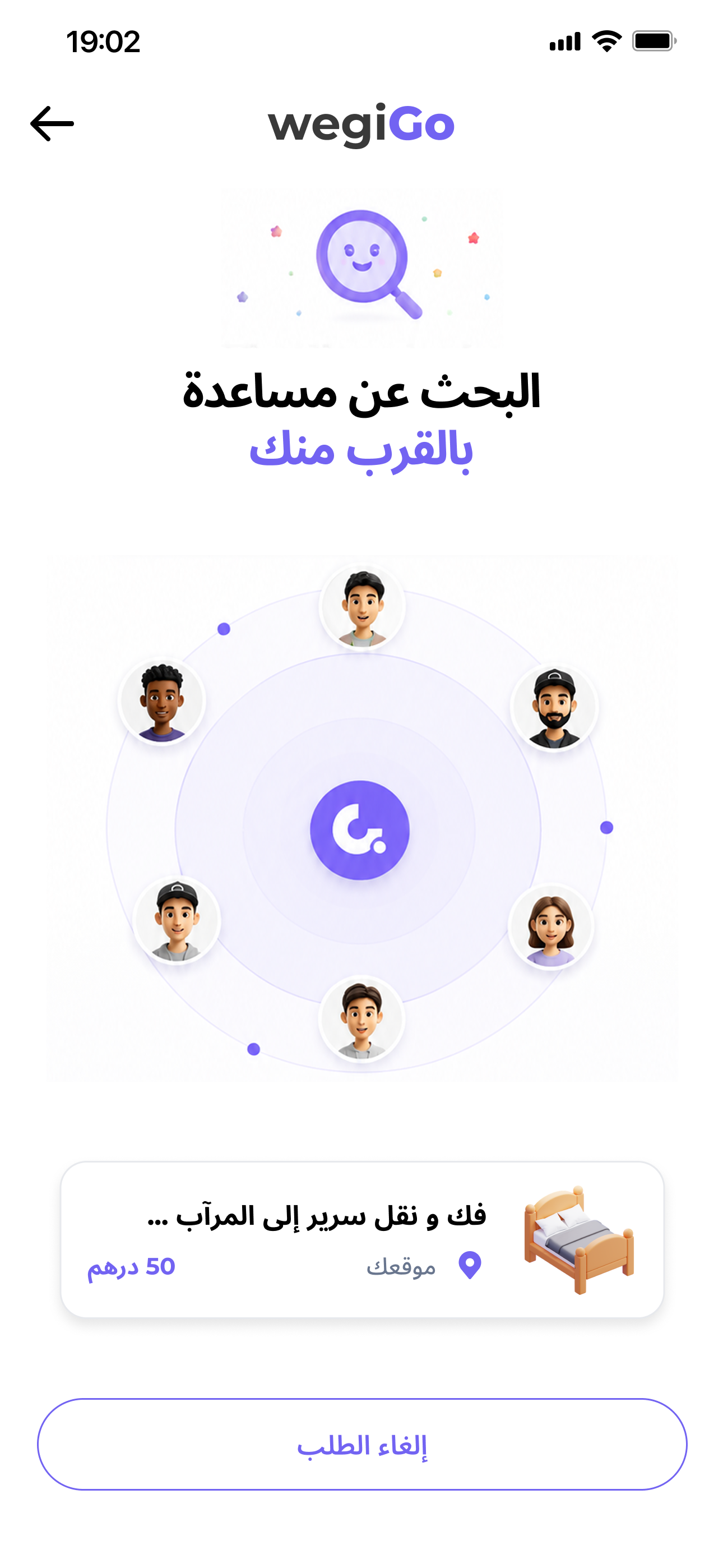
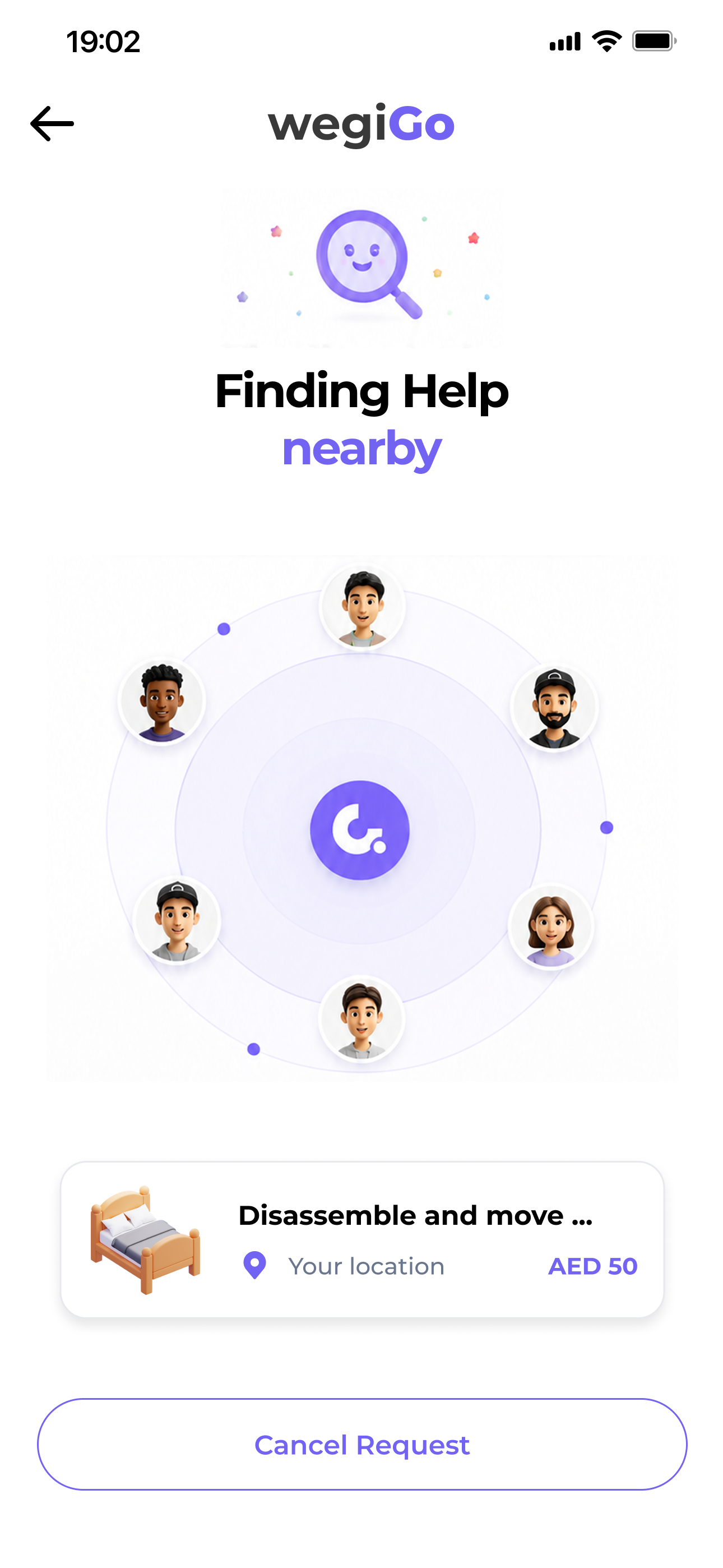
Before anyone accepts, the product can confirm that the request is active and that nearby helpers are being checked. It cannot give an honest arrival time yet.
Matching and coordination
“Can someone
help me?”
“Who is coming,
and when?”
The focus moves from task to person
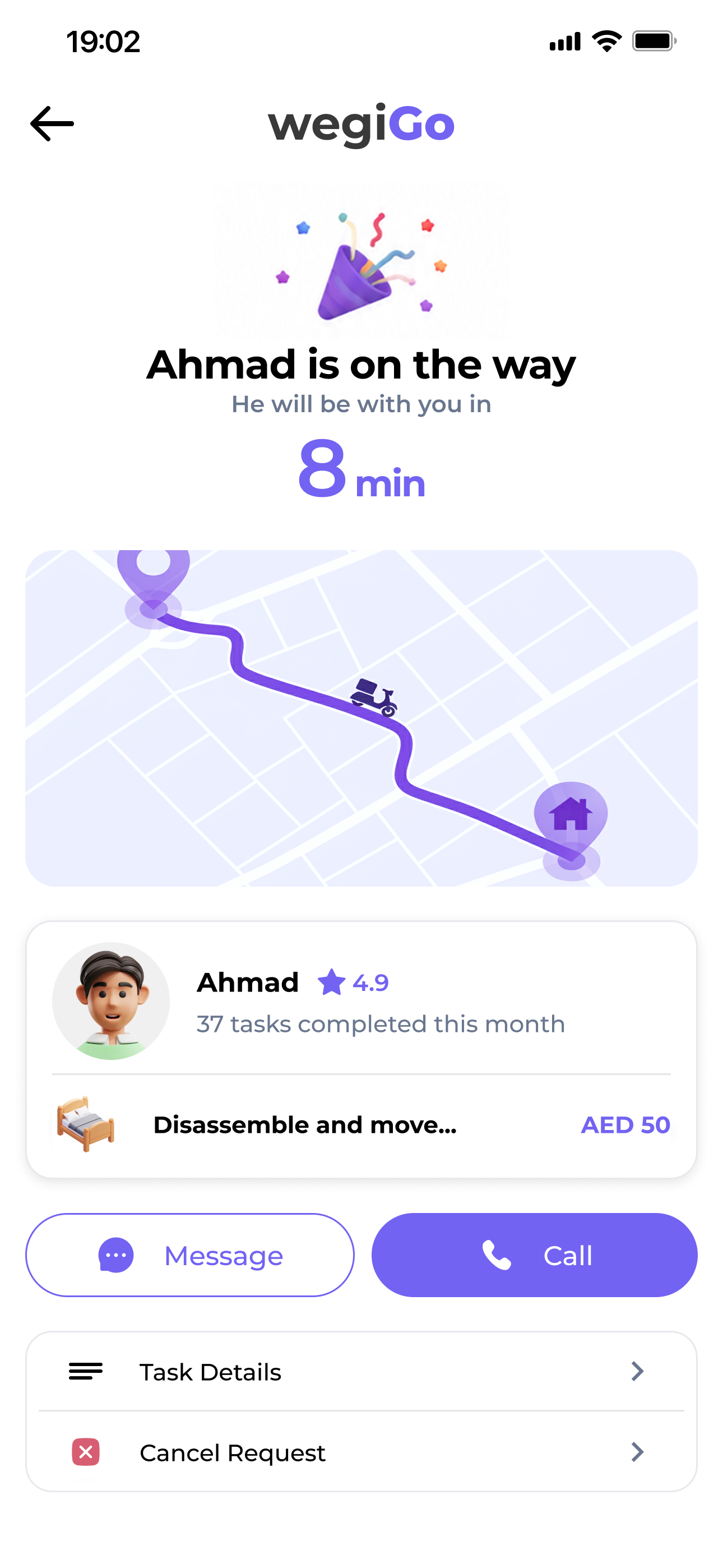
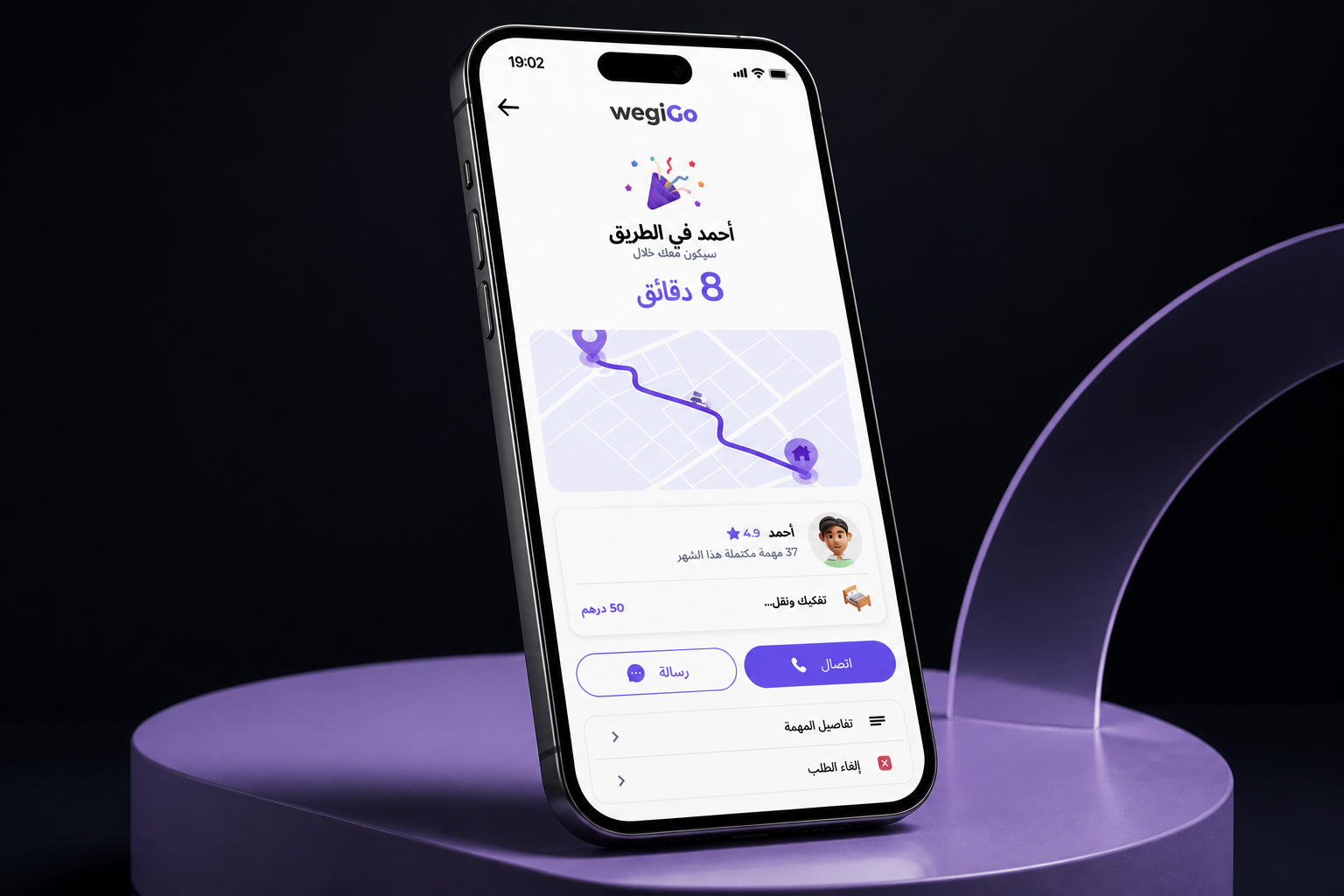
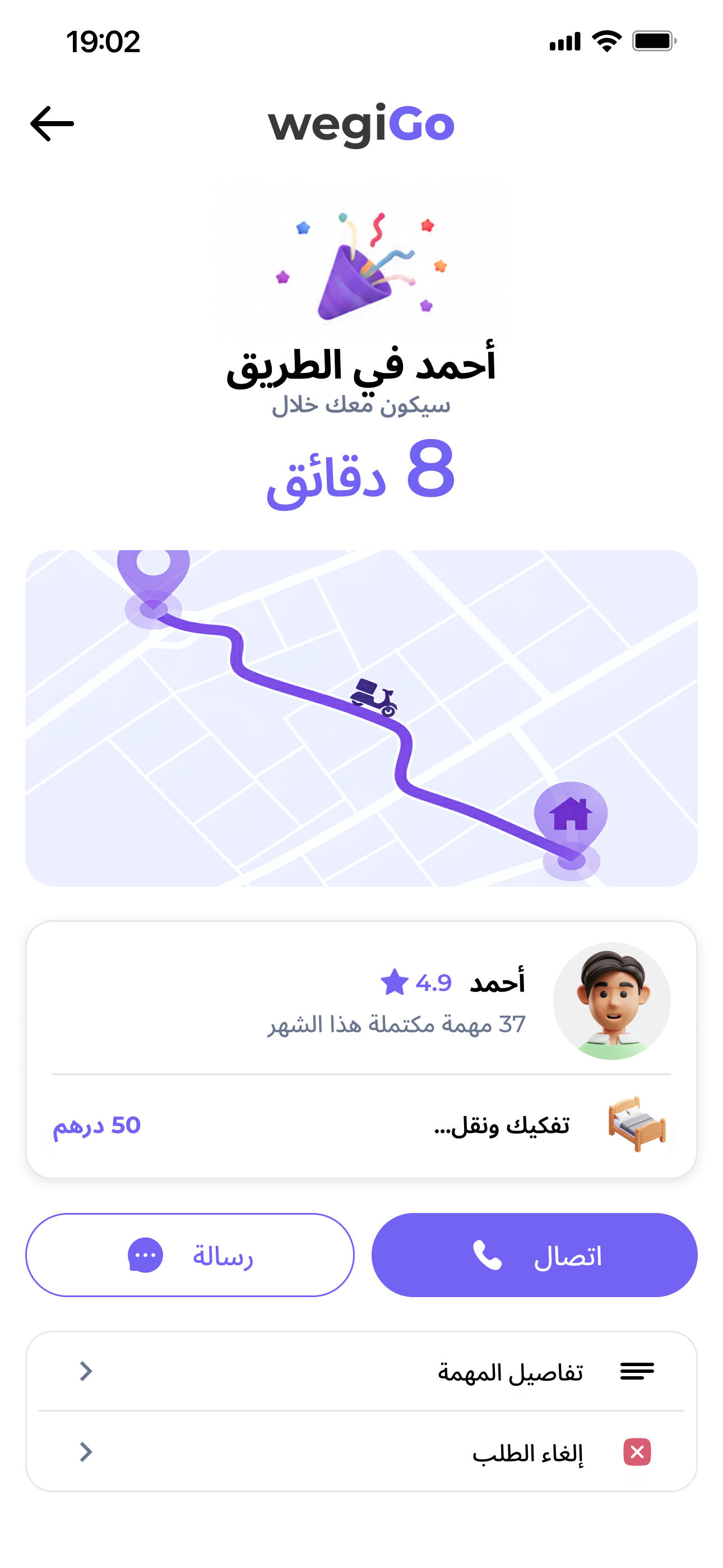
Once a helper accepts, identity, rating, route and ETA become useful. Message and Call become immediate actions.
UX writing
I wrote the interface while designing the flows, so labels, status messages and warnings correspond to what the product can actually confirm.
If the system is searching, say it is searching.
Finding help nearbyOnly introduce an ETA after someone accepts.
Ahmad · 8 minMeaningful actions should be unmistakable.
Cancel RequestLet visual context carry information when it can.
Read only what mattersالكتابة للتجربة العربية
Writing in Arabic
The Arabic interface keeps the same product meaning as the English version, but the wording and information order are written to read naturally in Arabic.
Describes progress without promising an outcome.
Moves from an abstract search to a specific person.
Uses a direct label when the consequence matters.
English + Arabic
The two versions share the same tasks and hierarchy. Their layouts adapt where alignment, component order or sentence structure needs to change.
RTL design
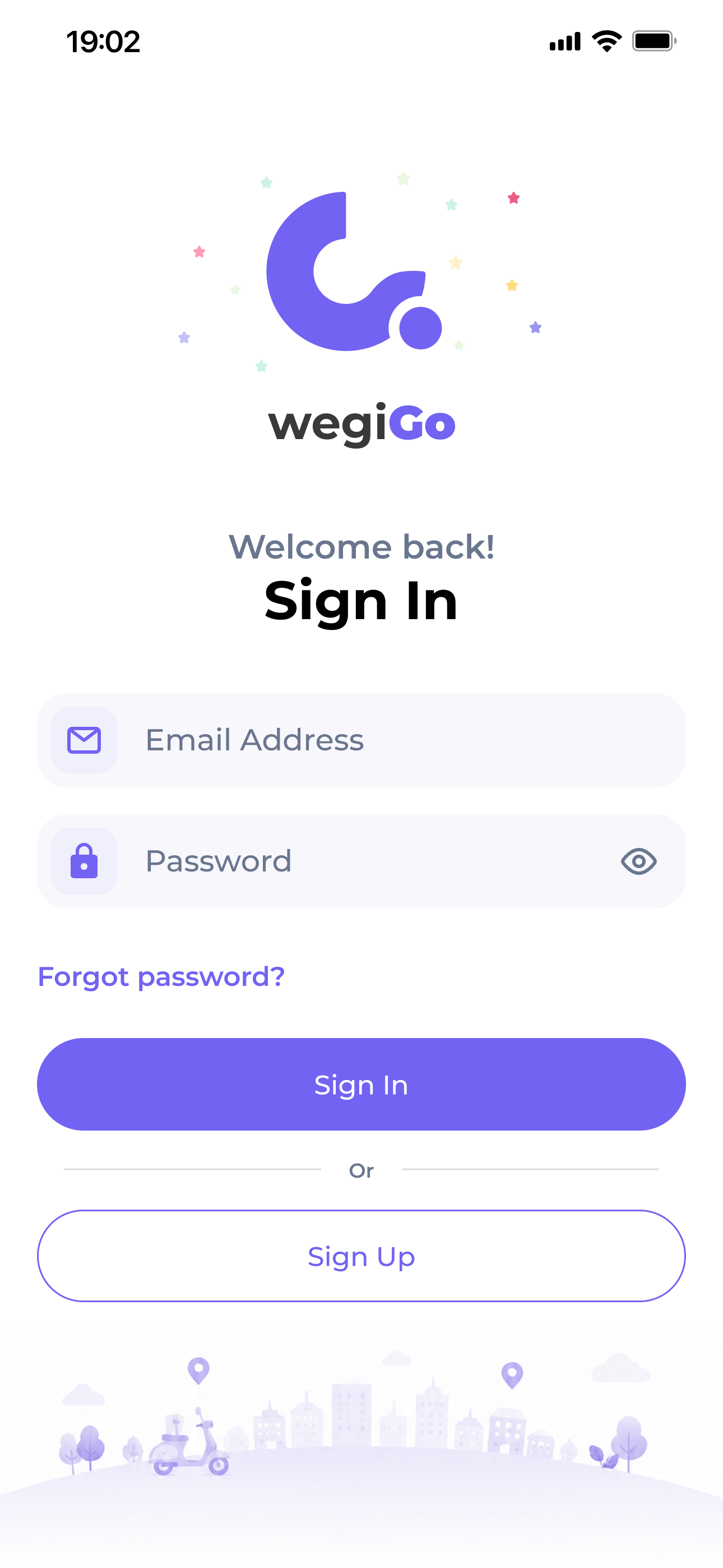
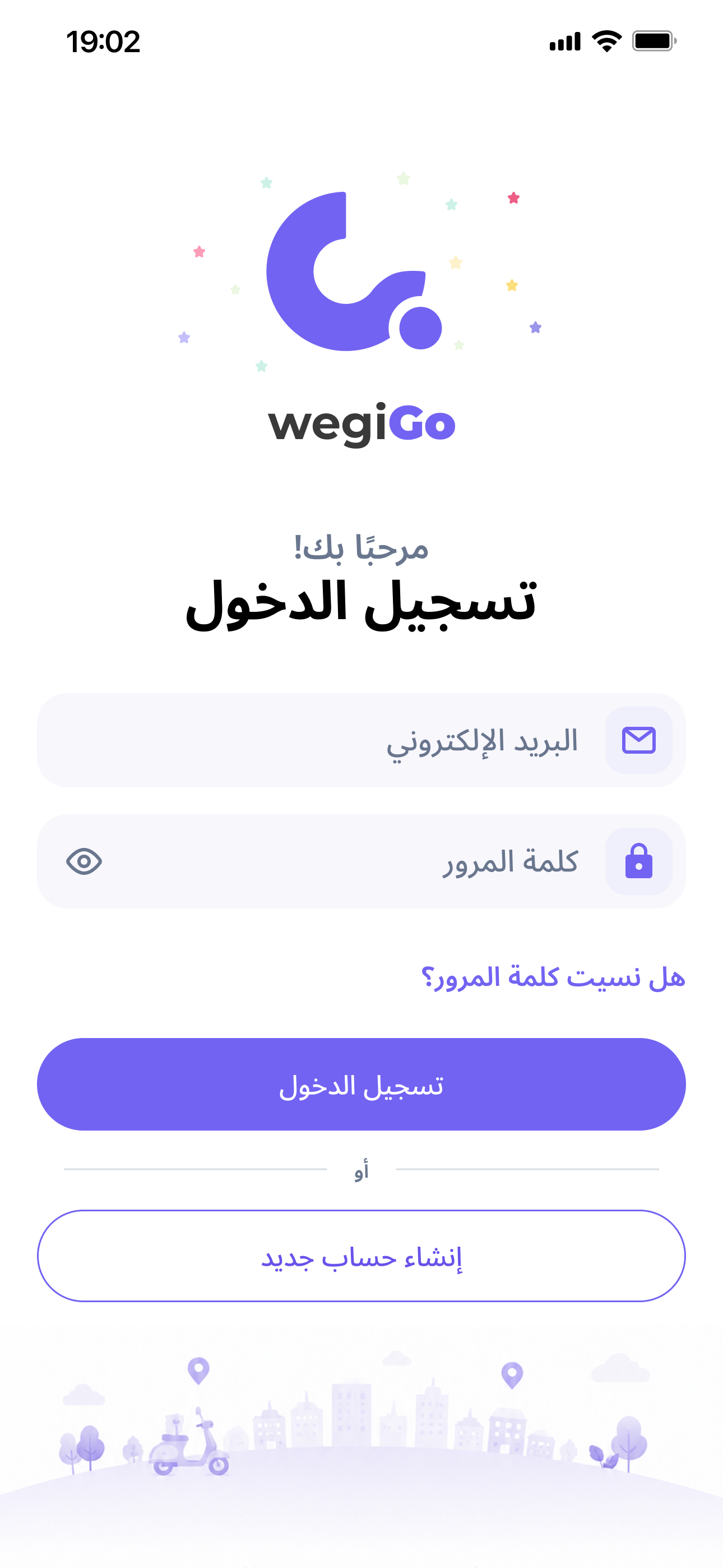
Copy follows the natural reading edge.
Icons and controls maintain the correct relationship.
Direction changes with the user’s mental model.
Meaning wins over literal translation.
Visual system
Confident headings. Calm supporting text.
Proximity, alignment and scale create relationships without another container.
The visual language, writing and directional behavior remain consistent from launch through coordination.
A case study by Hamza Trabelsi
The final system supports requesting, matching and coordination in English and Arabic, with copy and layout designed for each language.