Choose a session, join an event, and make sure every sensor is ready.
Hamza Trabelsi · Product DesignerConnected fitness · Avrioc Technologies
MyWhoosh Link
TRAIN
TOGETHER.
RIDE
CONNECTED.
A companion experience connecting smart devices, structured training, live performance, events, and community.
230W
01The opportunity
One connected experience
A CONNECTED WORKOUT INCLUDES PLANNING, RIDING AND FOLLOW-UP.
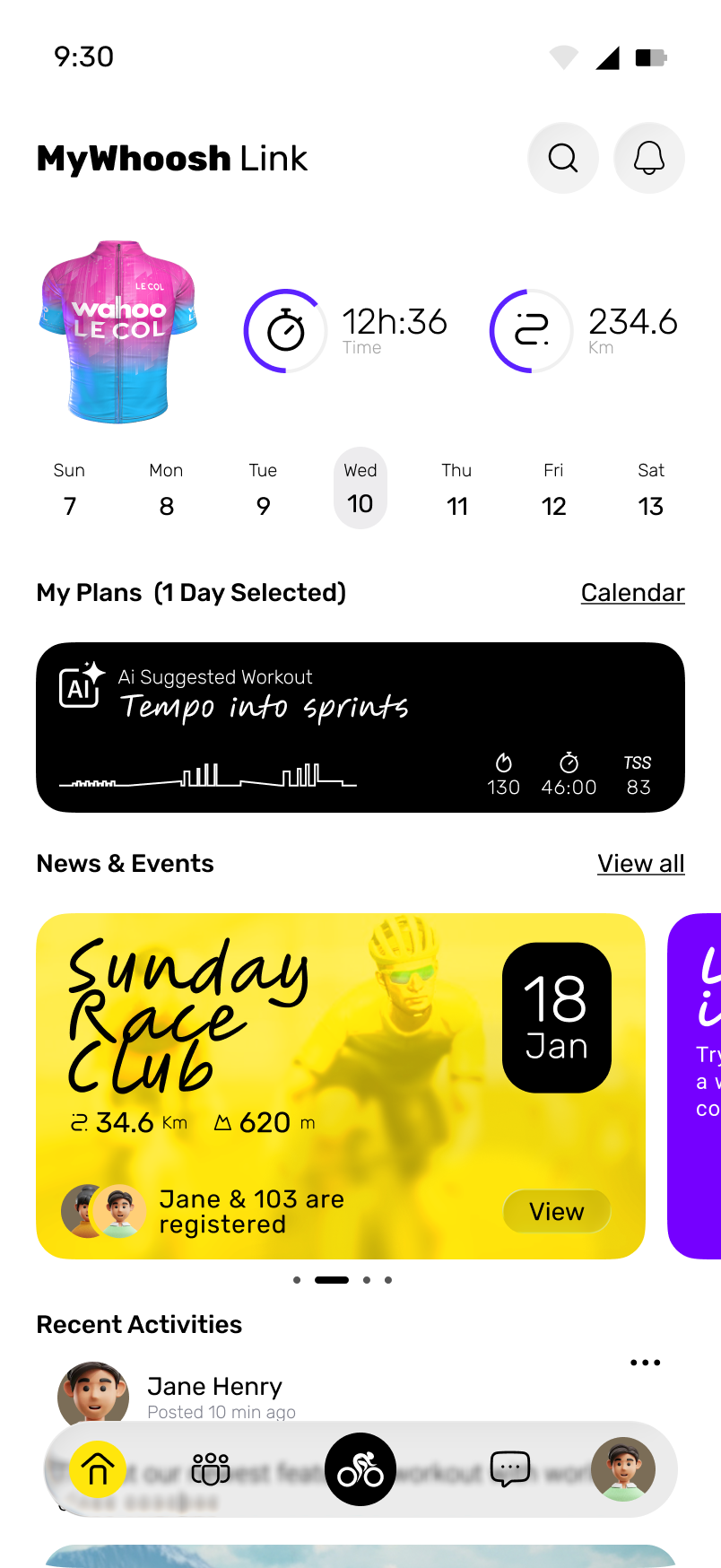
A connected workout begins before the rider starts moving and continues after the effort ends.
The experience must coordinate hardware, workout planning, live metrics, events, people, teams, and personal progress without making each part feel like a separate product.
I approached MyWhoosh Link as the connective layer: one place to prepare, perform, and stay involved.
Product areaConnected fitness
PlatformMobile companion
Design focusReal-time + social UX
CompanyAvrioc Technologies
02The connected training loop
The training cycle
BEFORE. DURING. AFTER.
ONE CONNECTED LOOP.
Keep the most important effort data visible while the world stays accessible.
Turn completed effort into progress, conversation, and the next plan.
12:36time234.6km320watts80bpm
03Mode-based navigation
Match the rider’s current task
EVENTS.
WORKOUTS.
DEVICES.
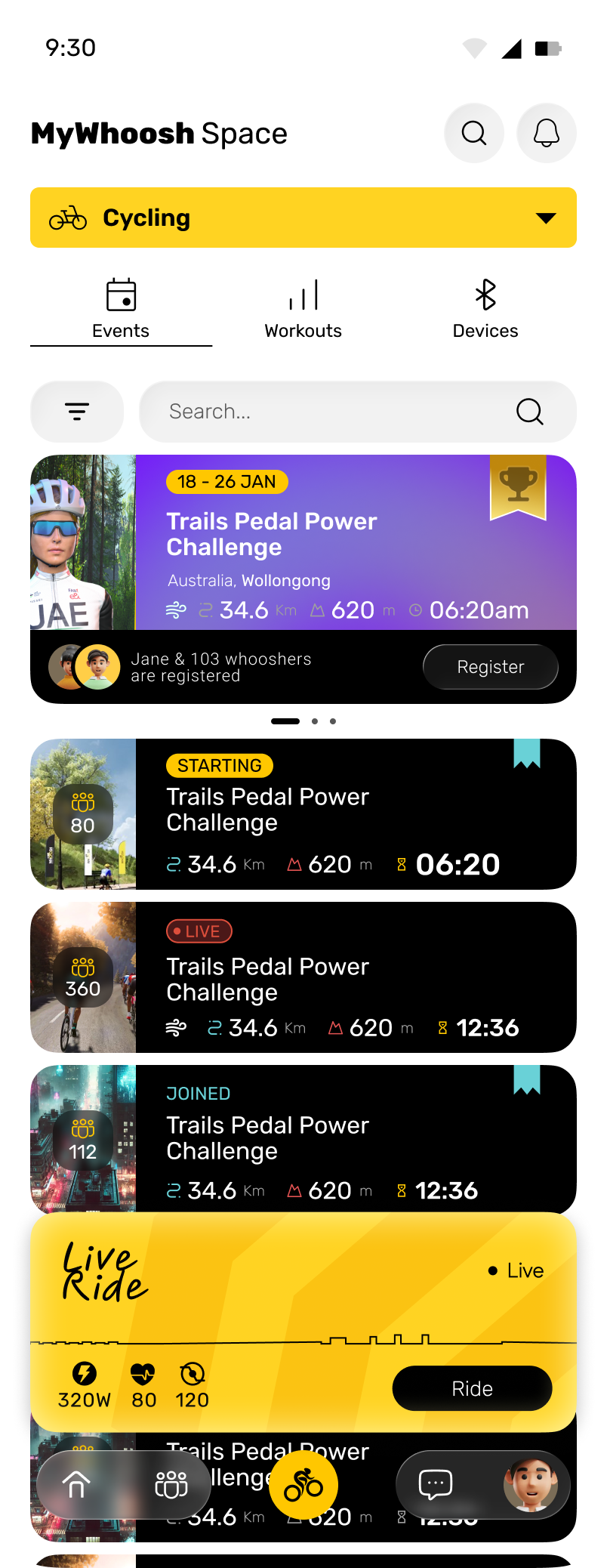
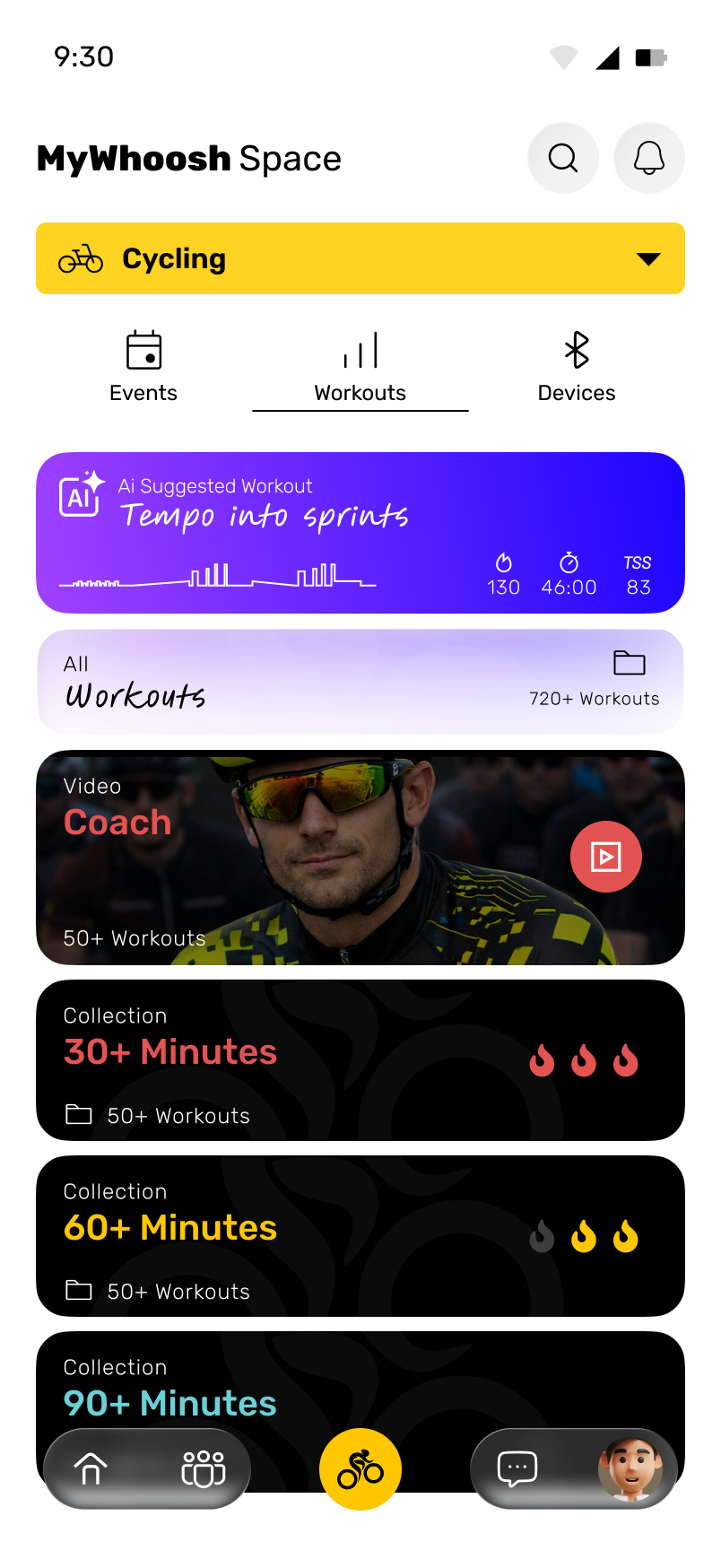
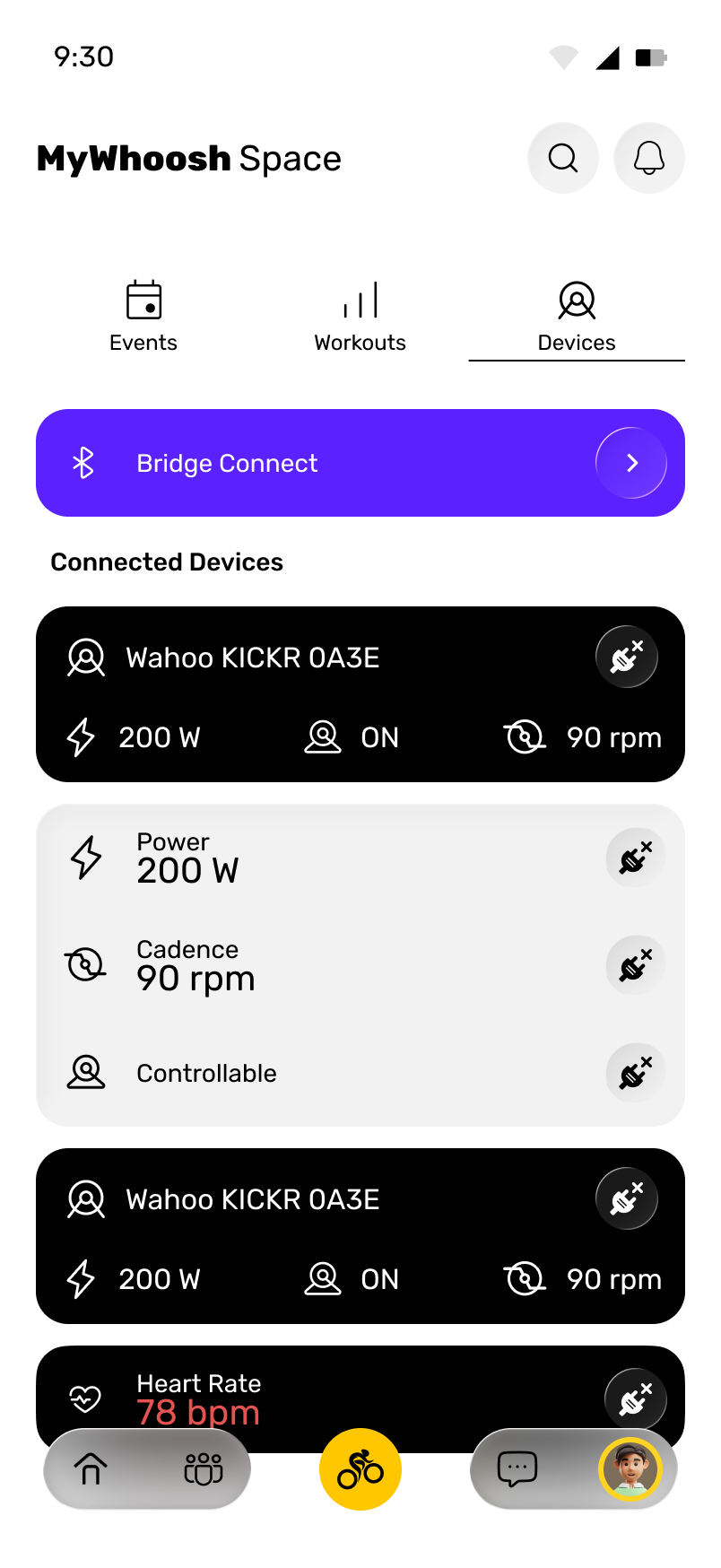
The product gives the three recurring preparation tasks clear entry points. Riders can choose an event, select a workout or check their devices without searching through one general feed.
Choose when and with whom to ride.
Choose the structure of the effort.
Choose how performance is measured and controlled.
04Connected device roles
Connected hardware
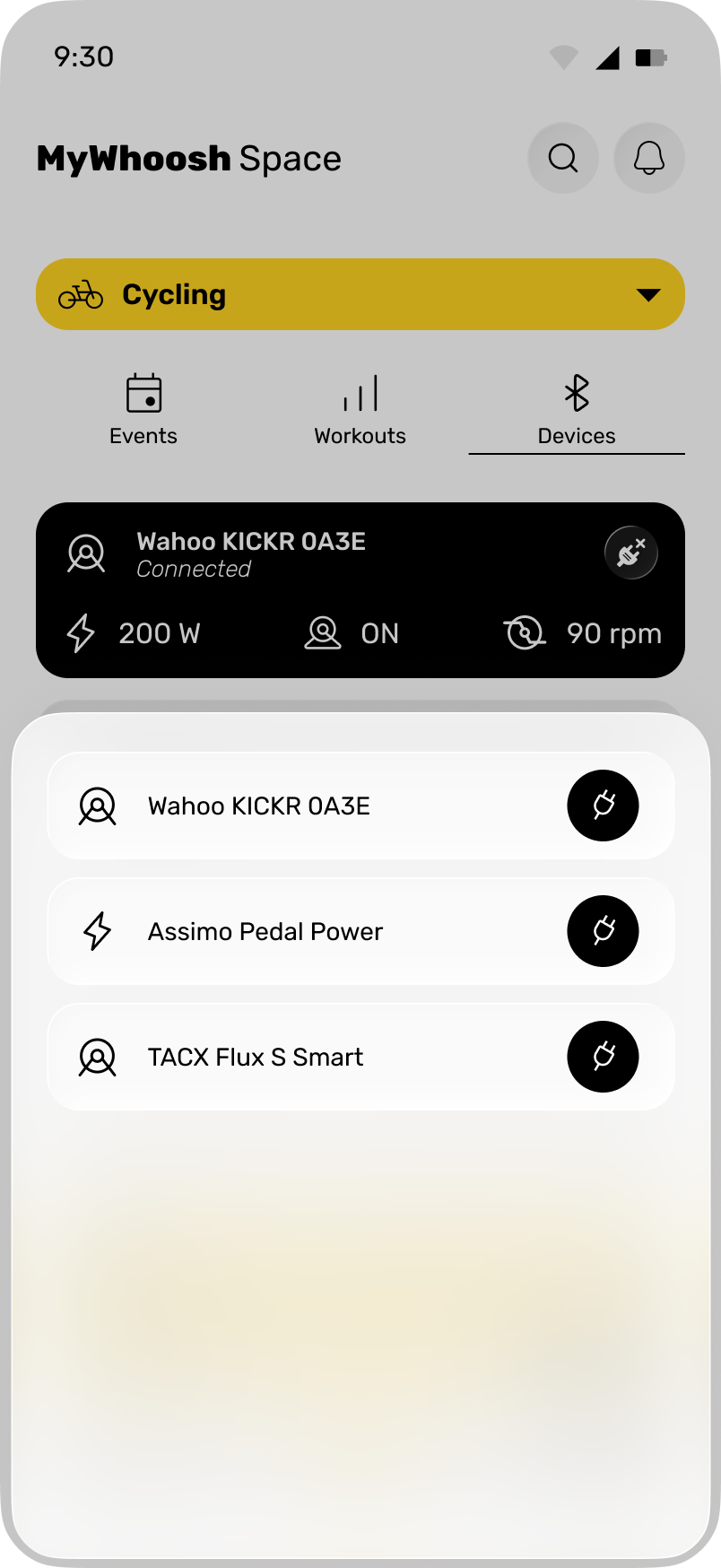
EXPLAIN WHAT EACH DEVICE DOES.
The connection state alone is not enough. Riders also need to know which data each device supplies and which piece of hardware controls resistance.
 Power200 W
Measures the work being produced.
Tracks the rider’s physiological response.
↻
Cadence90 rpmShows how quickly the pedals are turning.
±
ControllableTrainerConfirms which hardware can change resistance.
05Planning the next effort
Planning
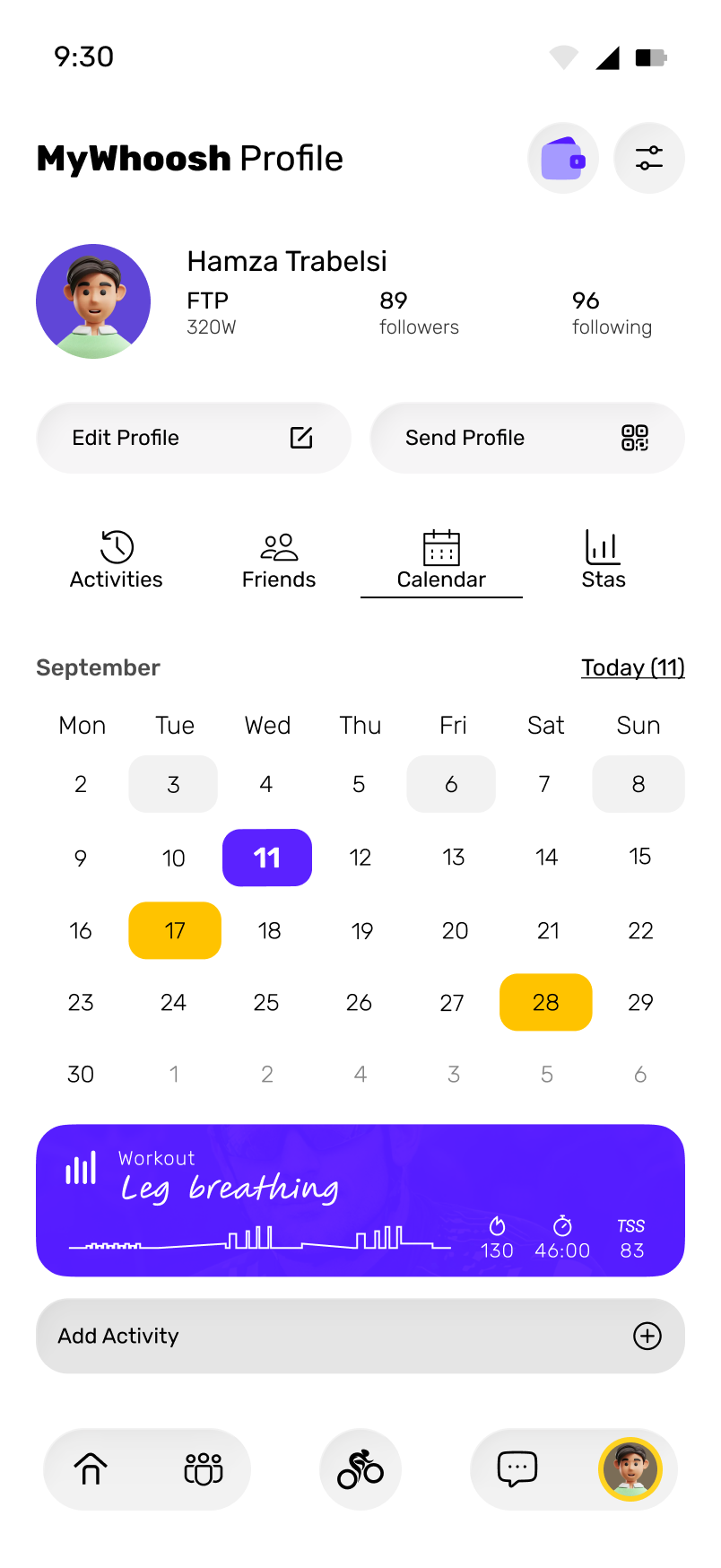
GIVE THE NEXT SESSION A PLACE IN THE CALENDAR.
AI
Suggested workoutTempo into sprints
Suggested sessions sit inside the same planning system as manually selected workouts and scheduled events. The recommendation becomes useful because it can move directly into action.
- 01RecommendFit the next session to the training context.
- 02ScheduleGive the workout a specific day.
- 03LoadMove from planning into execution.
06Event lifecycle
Event lifecycle
FIND AN EVENT.
CHECK THE DETAILS.
JOIN IT.
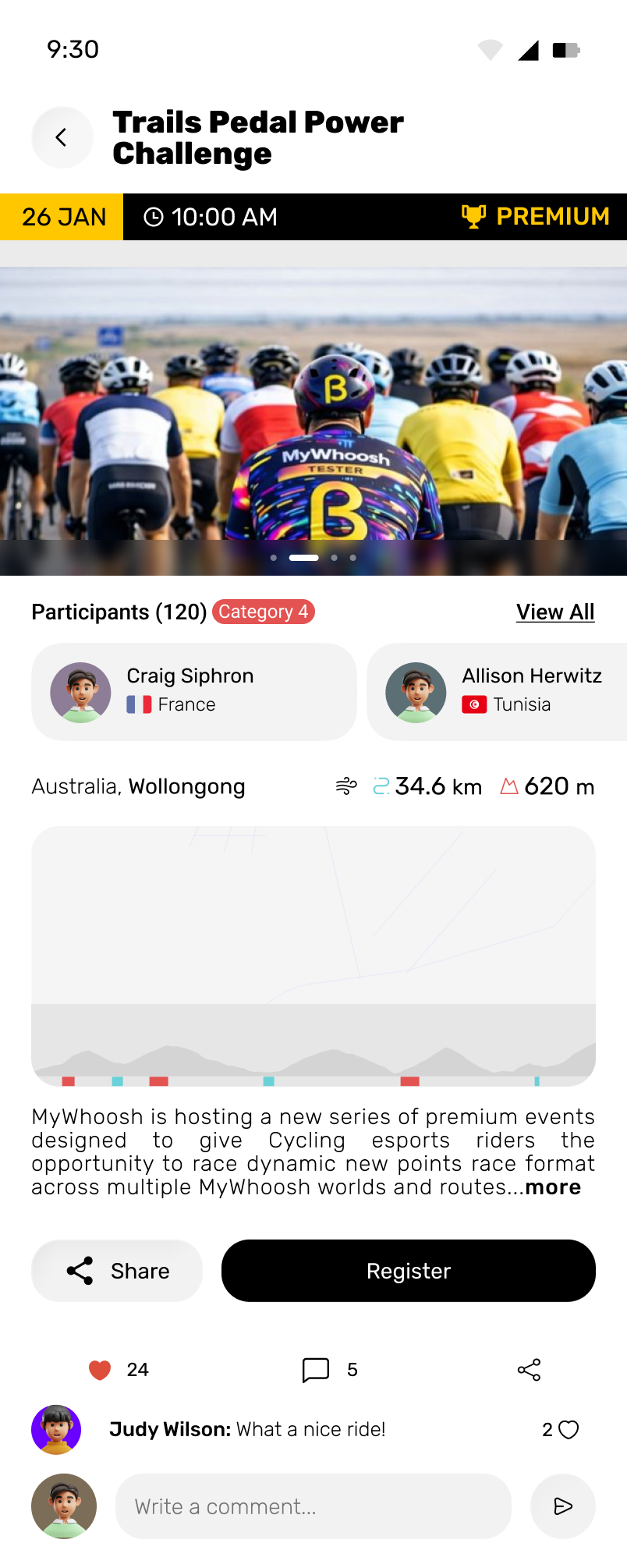
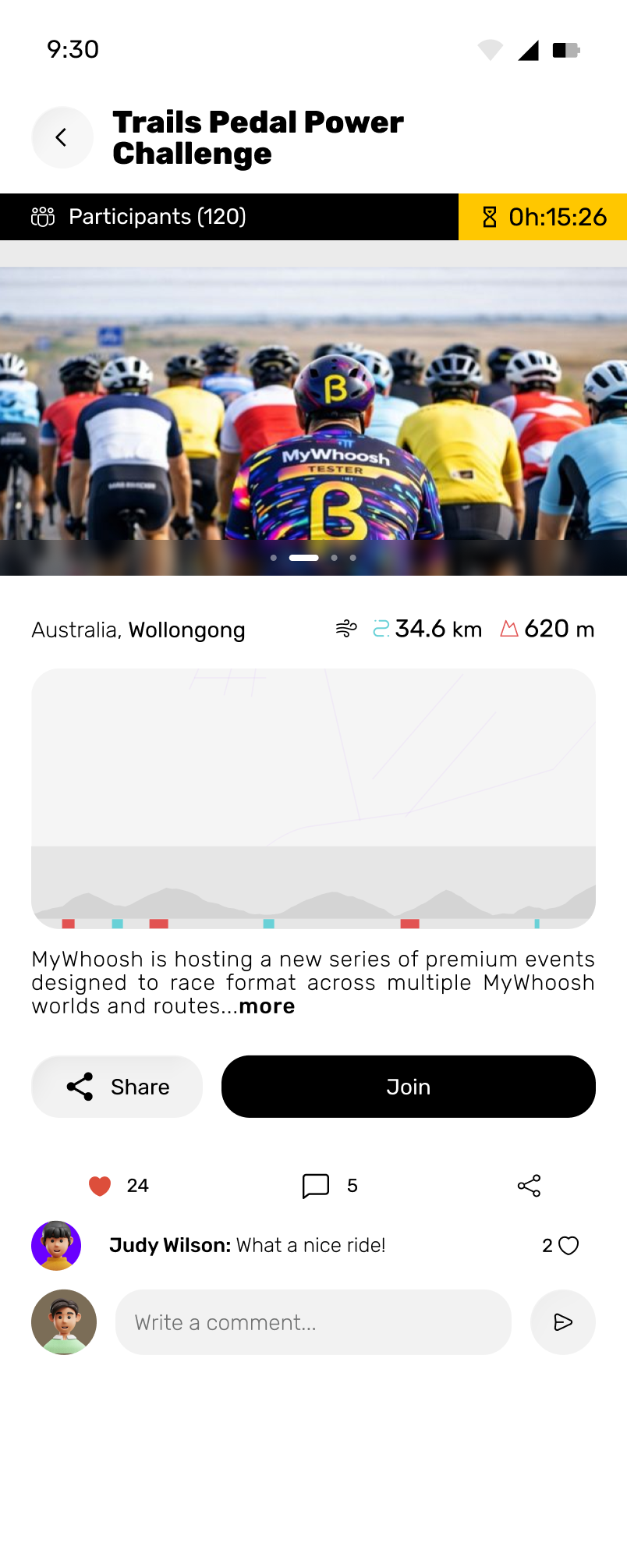
Information changes with proximity
Discovery emphasizes interest. Detail supports commitment. The pre-start state brings timing and entry to the front.
07Making effort visible
Workout structure
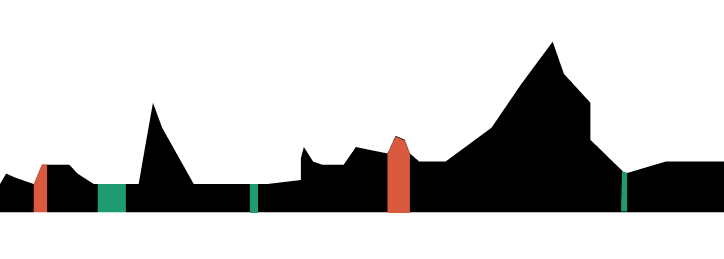
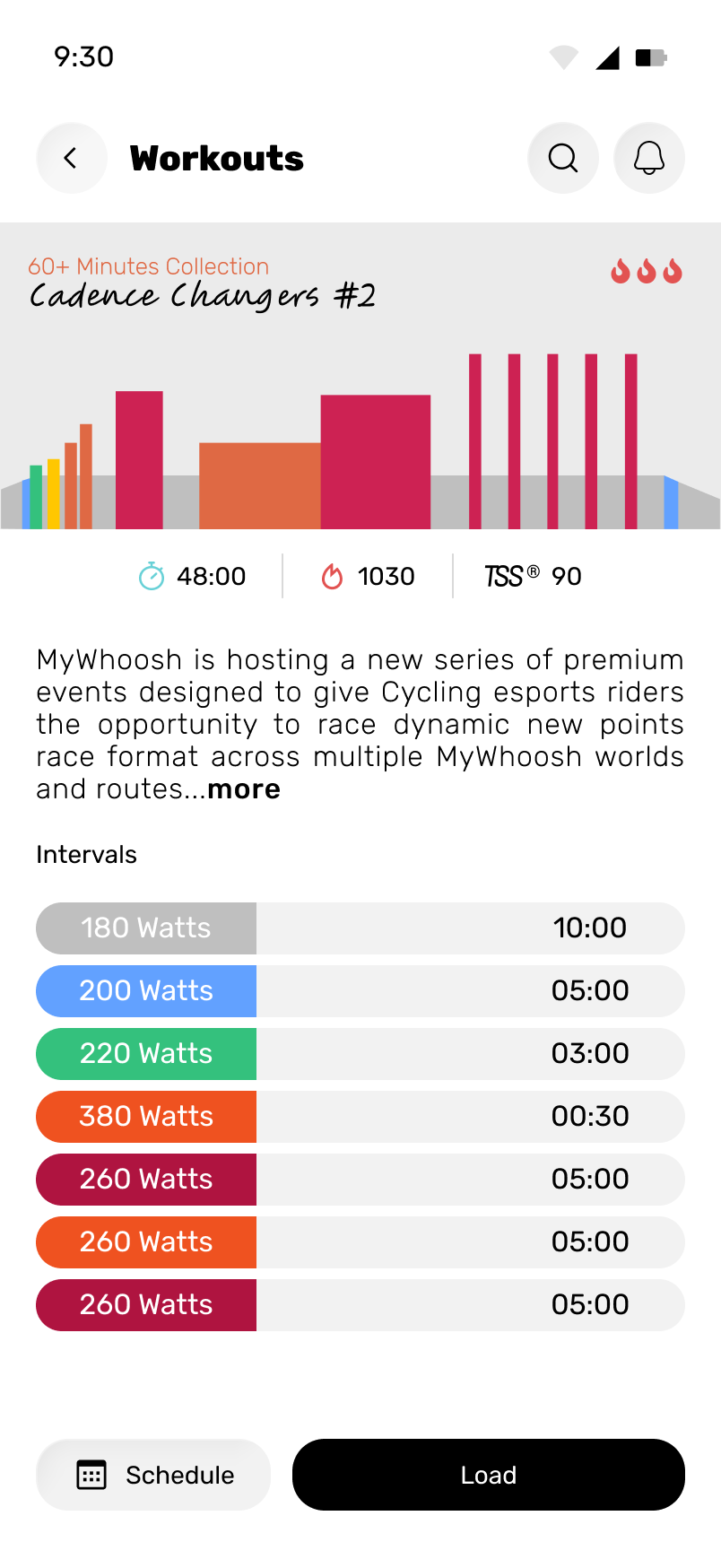
PREVIEW THE EFFORT BEFORE THE RIDE.
Duration and training stress provide a quick summary. The interval profile shows when the intensity will rise, fall and recover.
48:00Duration1030Energy90TSS
Color and geometry make the interval sequence easier to read before the session begins.
08The live-ride cockpit
Attention under effort
MAKE POWER PRIMARY.
KEEP CONTEXT VISIBLE.
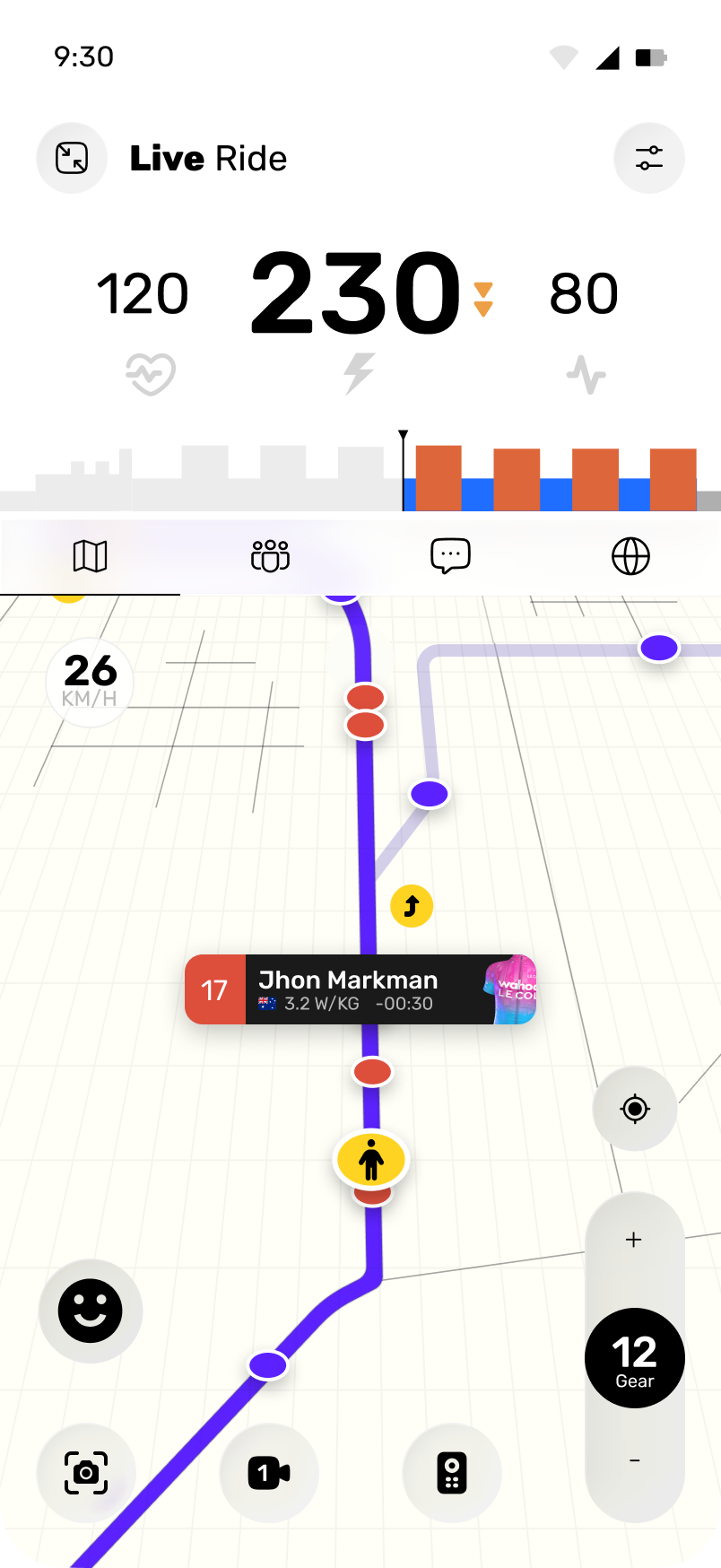
During a hard effort, current power receives the strongest emphasis. Heart rate, cadence and the workout profile remain visible so the rider can understand the number in context.
Heart rate120Power230WCadence80
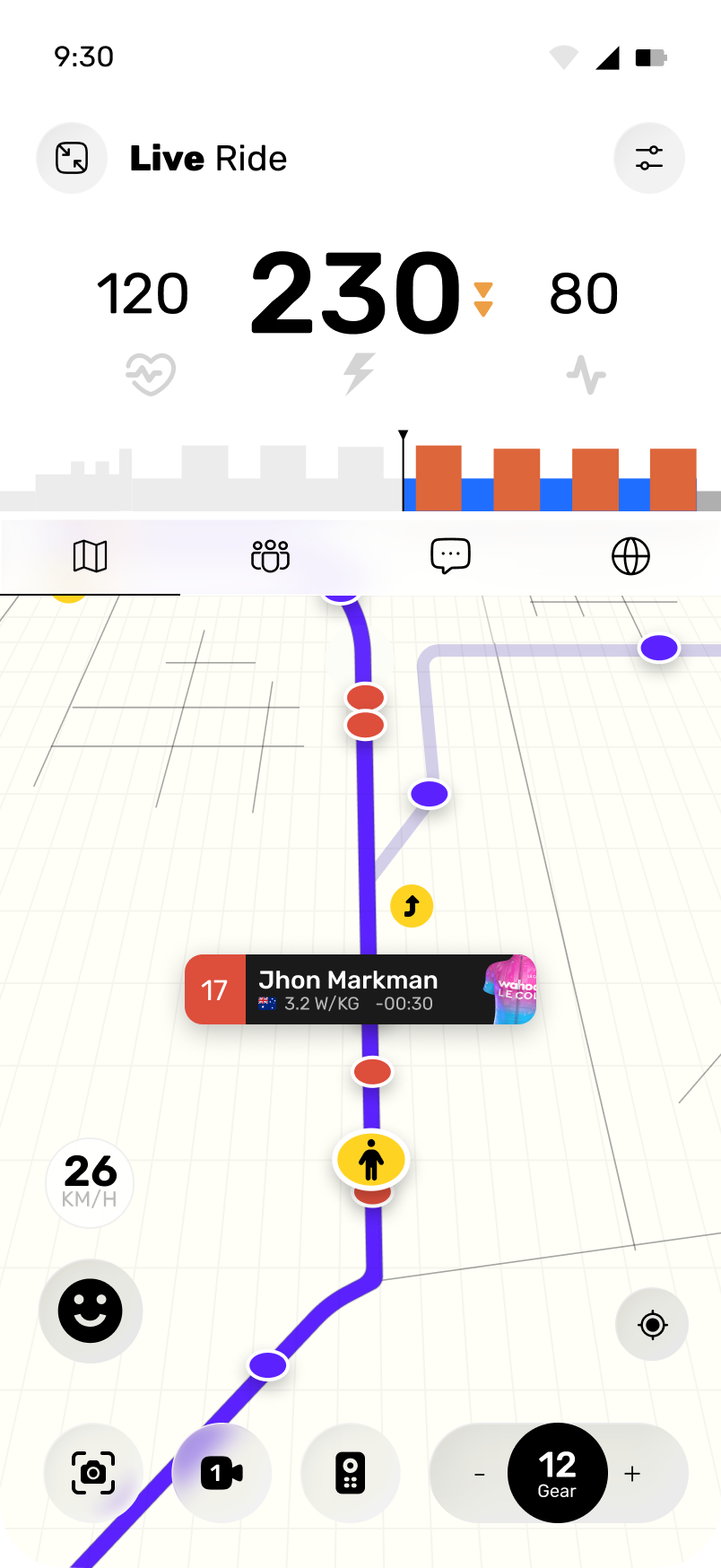
The metric driving the workout receives the strongest visual weight.
The interval profile shows where the rider is inside the session.
Gear, camera, positioning, and views remain thumb-accessible.
09Progressive disclosure in motion
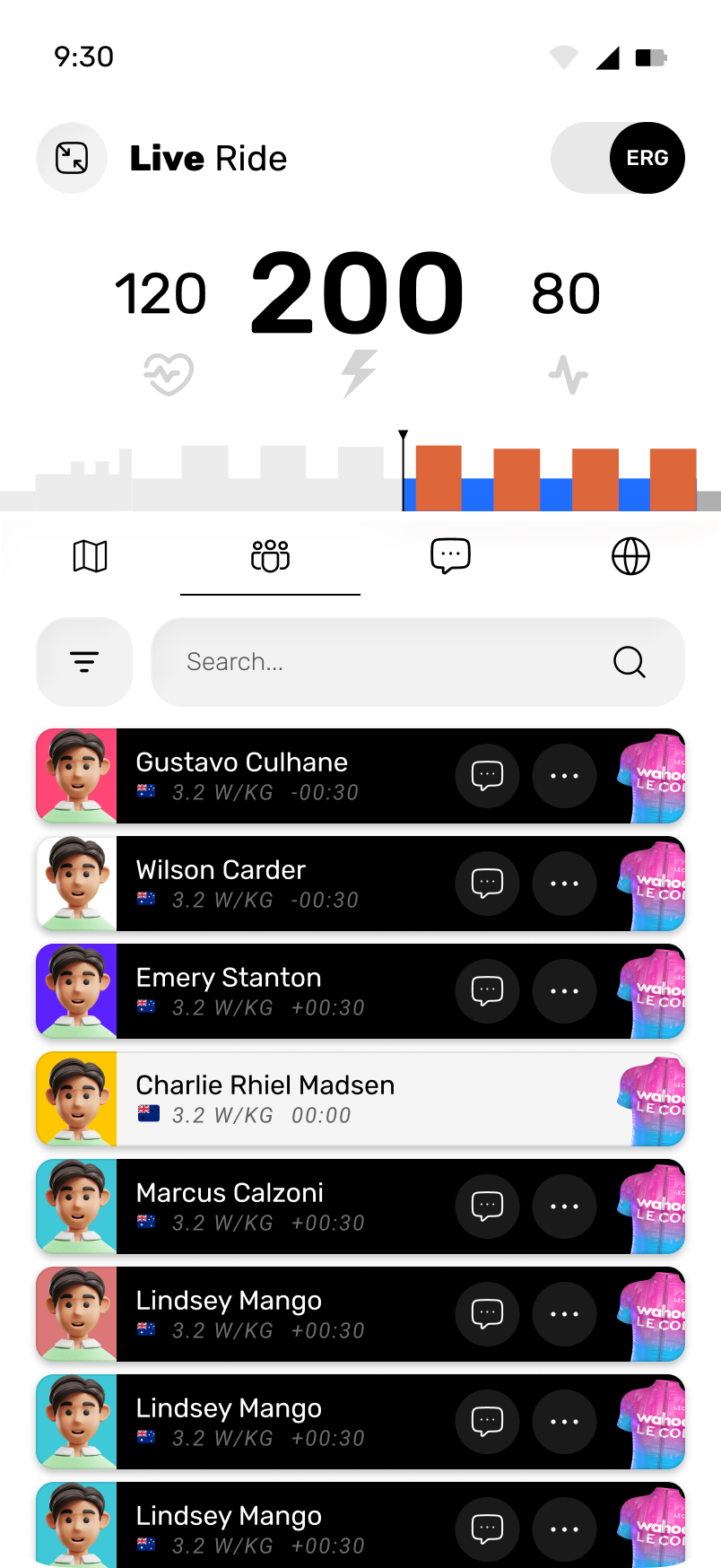
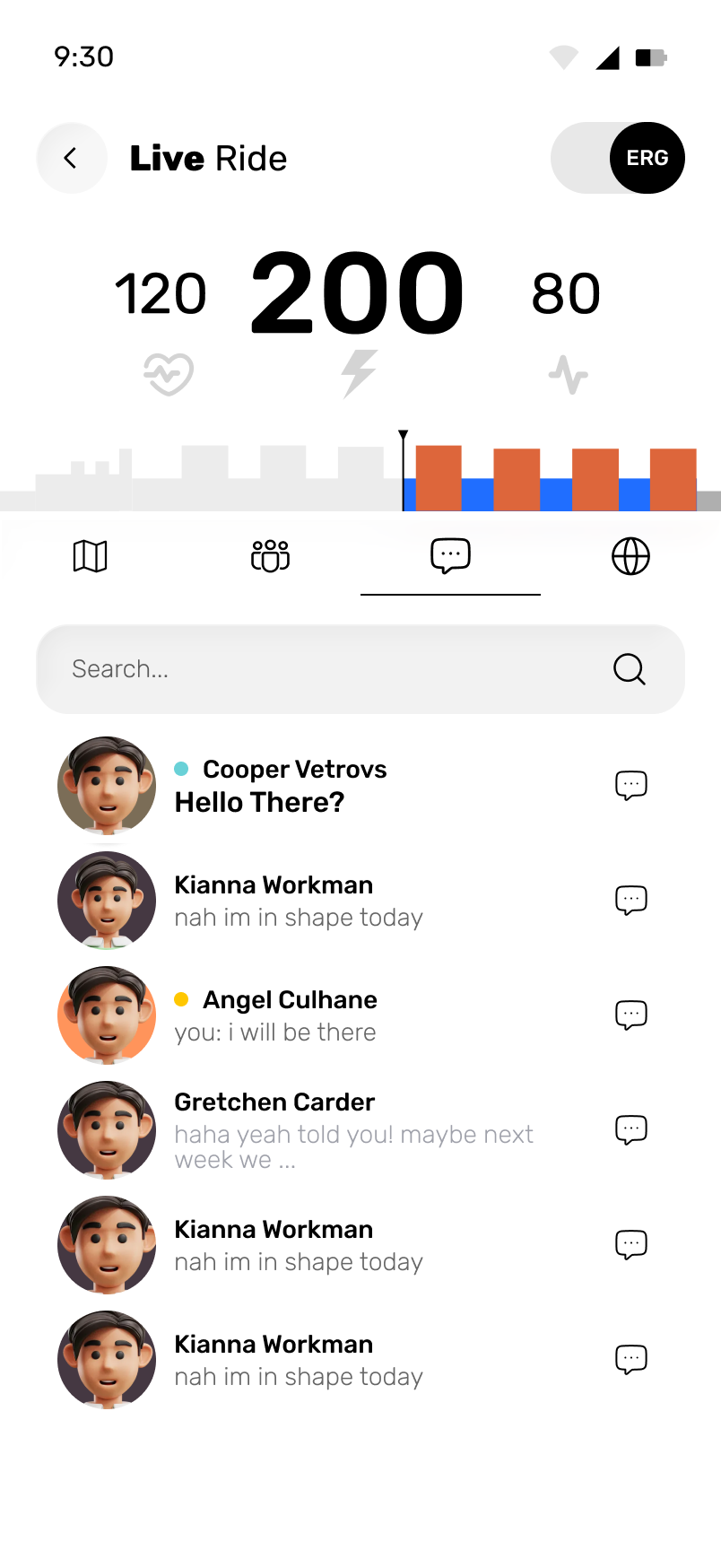
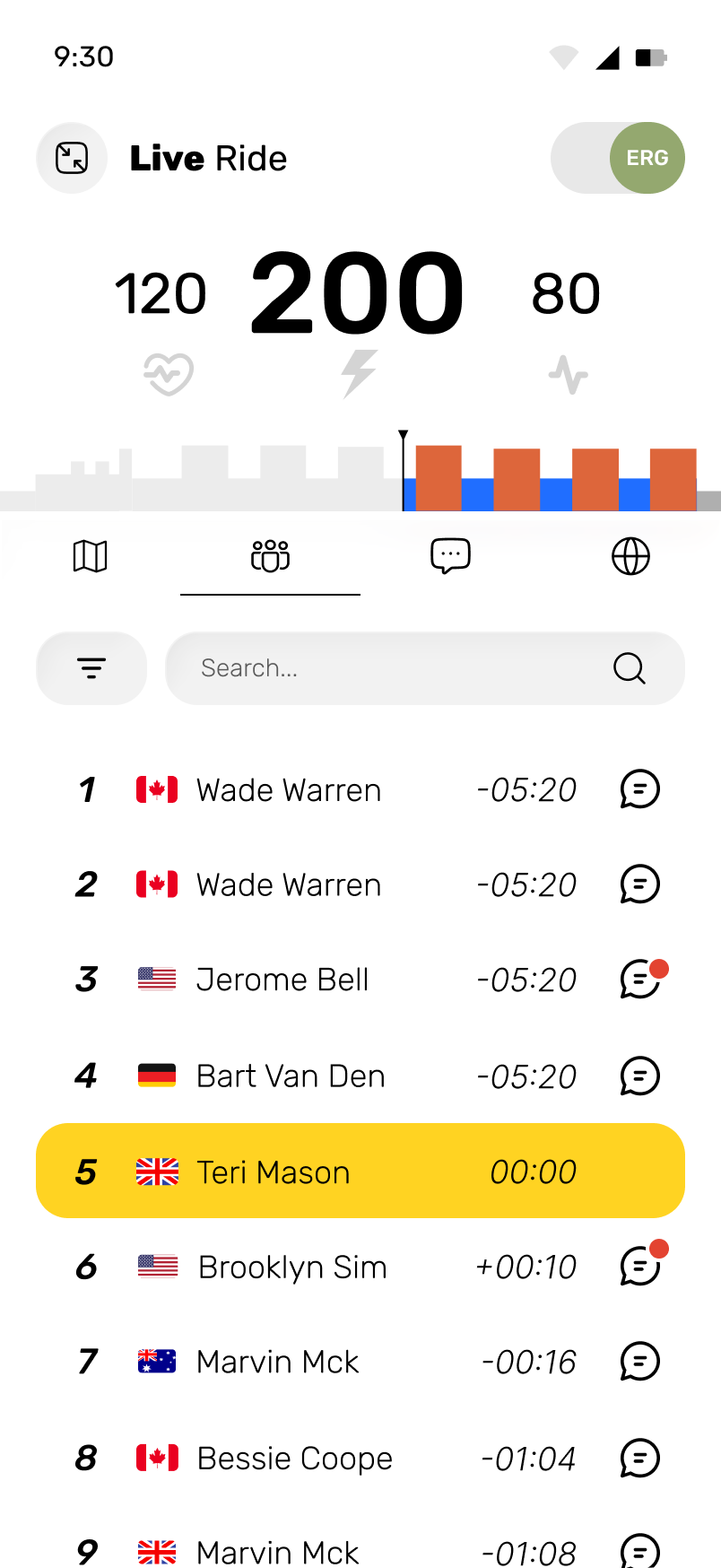
One ride, four questions
WHERE AM I?
WHO IS HERE?
WHAT ARE THEY SAYING?
HOW AM I DOING?
MapRidersChatLeaderboard
11Belonging beyond one workout
Teams
CONNECT INDIVIDUAL PROGRESS TO A GROUP.
Rankings, team events, members, shared distance, elevation and conversation give riders a reason to follow progress across several sessions.
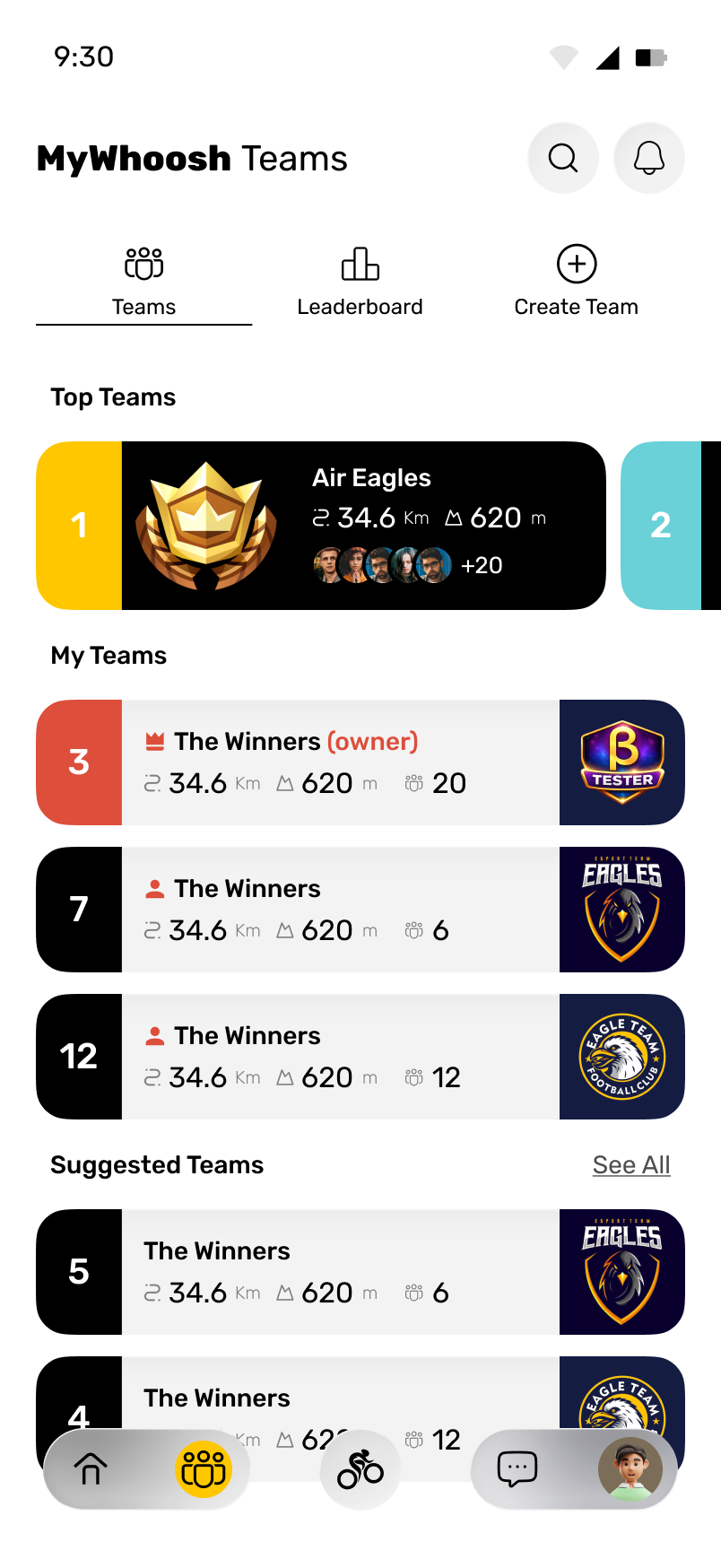
1Air Eagles
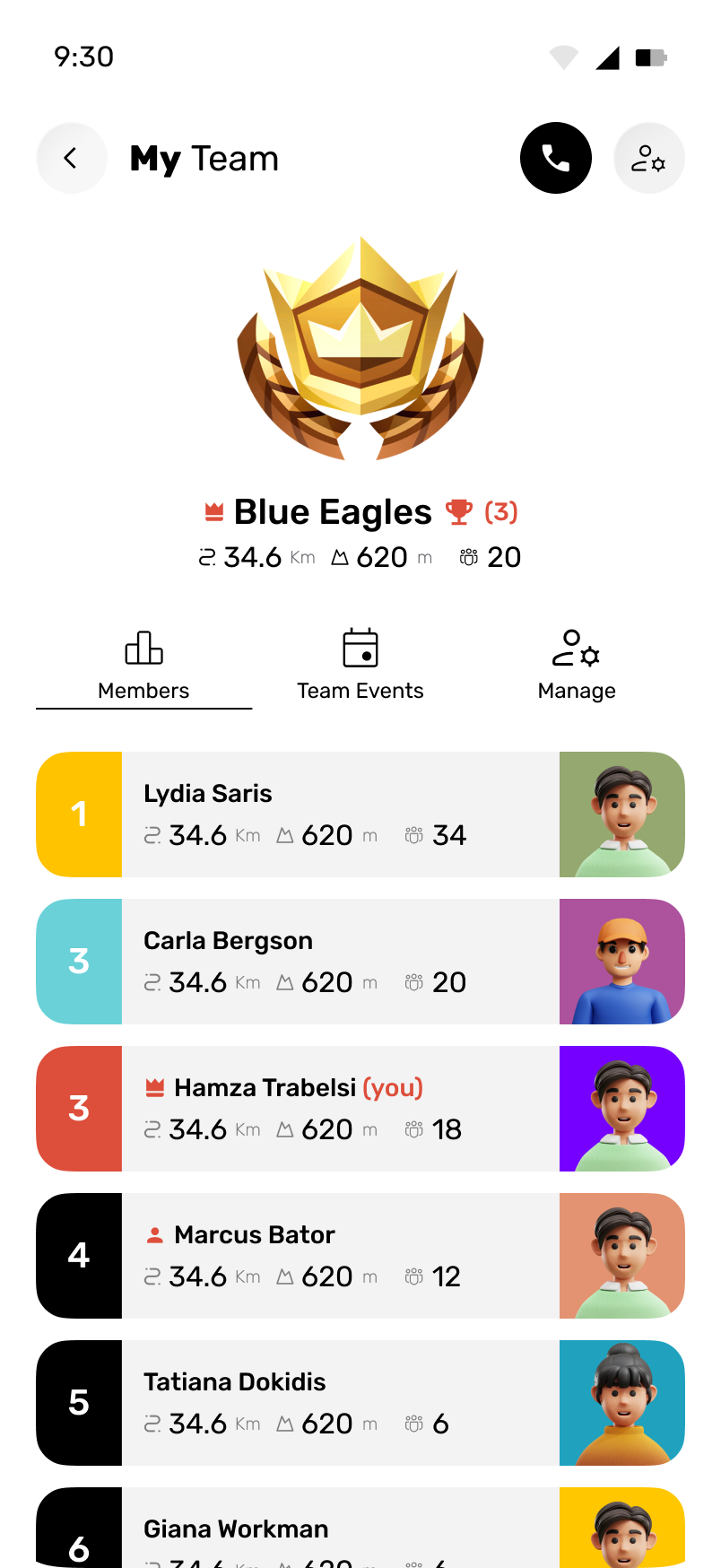
20members34.6km620m climbed
12After the ride
After the ride
USE THE COMPLETED RIDE
TO SUPPORT THE NEXT ONE.
Activity, progress, the calendar, friends, messages and the next workout connect one completed session to the rider’s longer training plan.
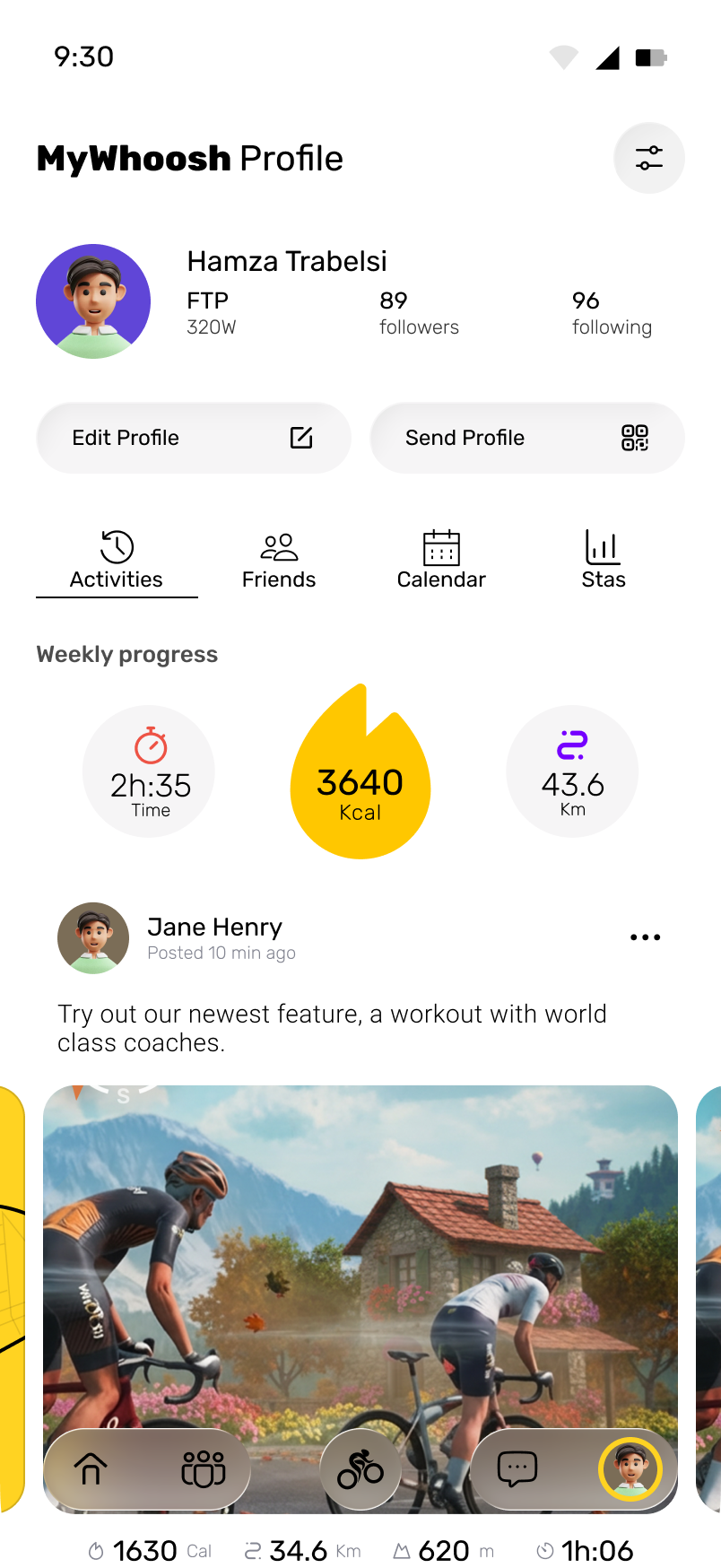
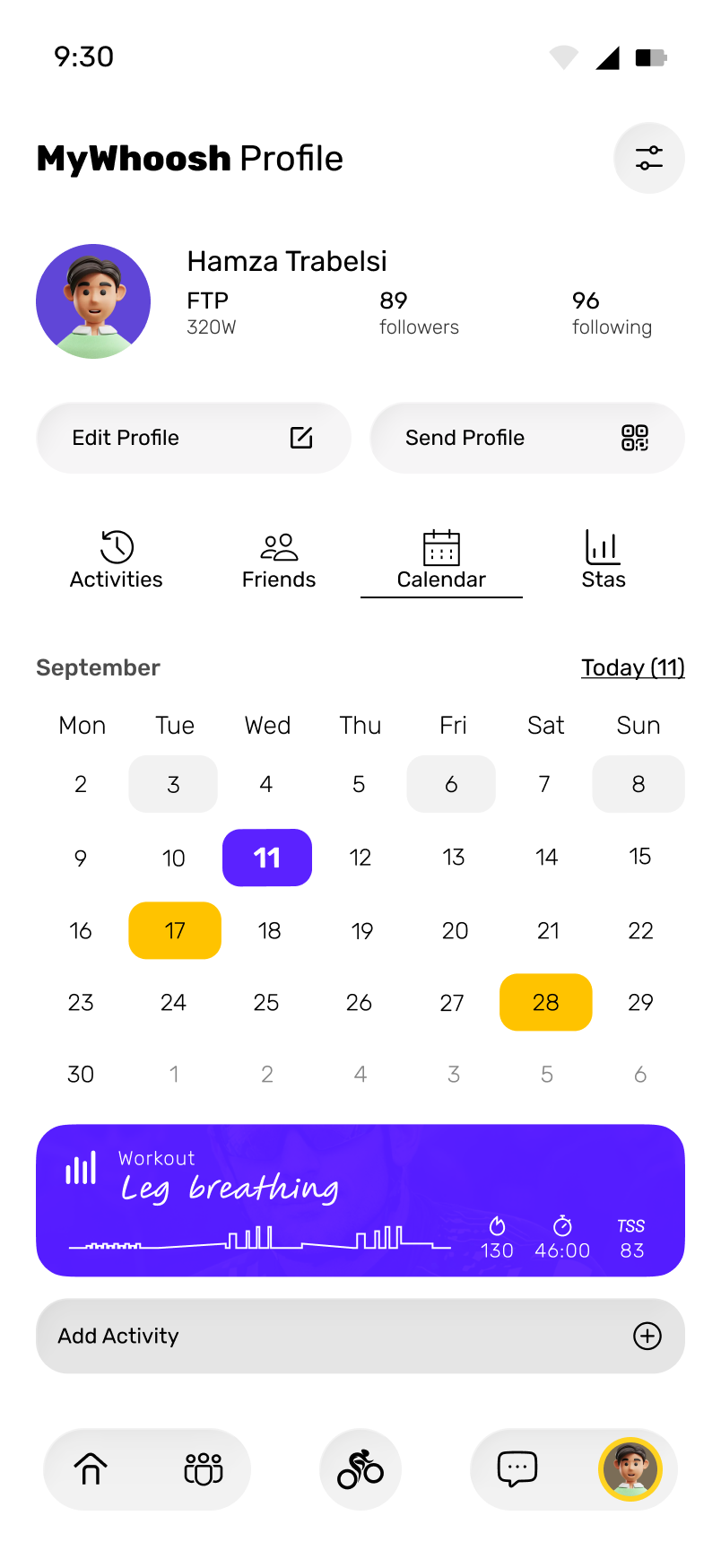
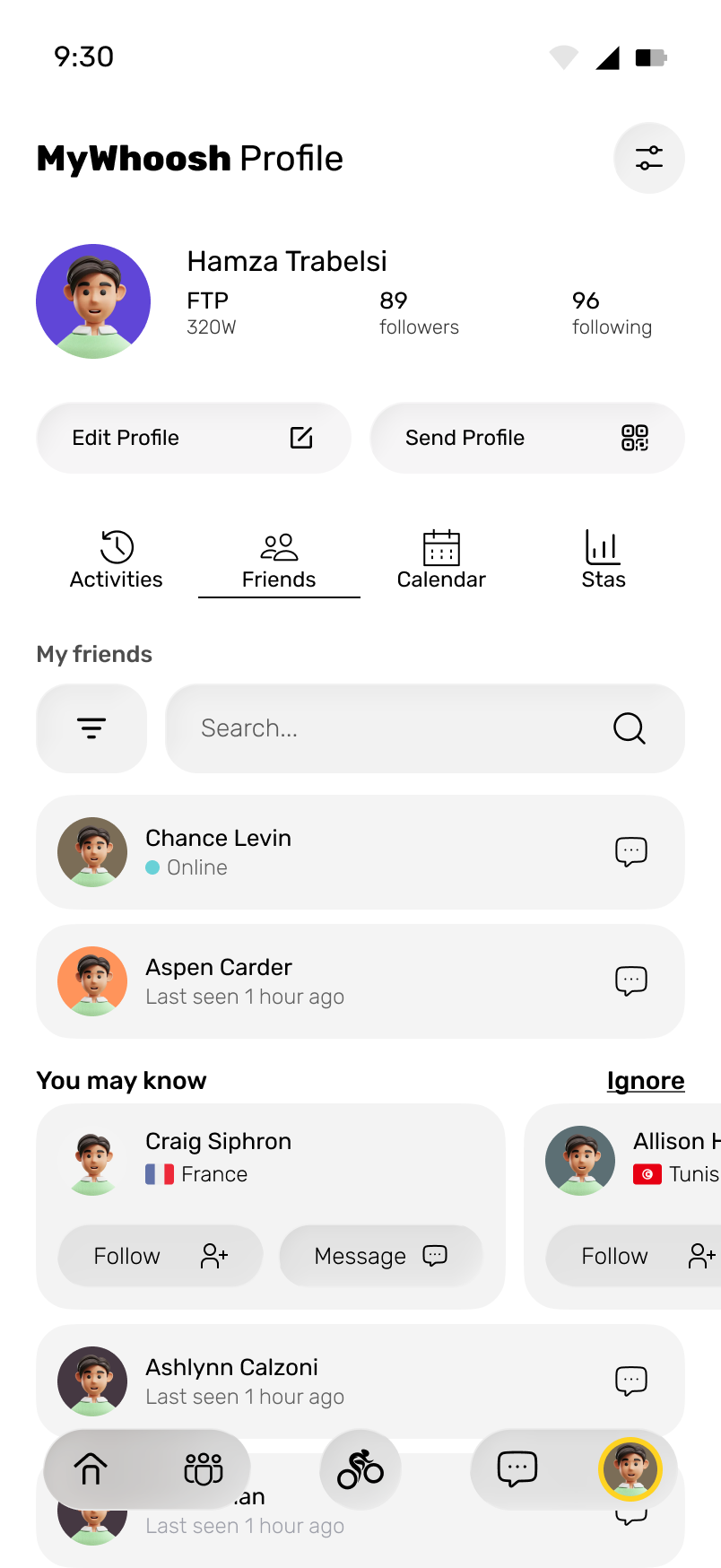
CompleteReflectConnectPlan again
13Performance visual system
High contrast, high energy
COLOR SEPARATES ACTION, TRAINING, INTENSITY AND SOCIAL STATES.
Numbers lead
Performance data is sized for recognition before interpretation.
Shape previews effort
Interval geometry makes future intensity visible.
State changes color
Starting, live, joined, and selected states remain distinct.
14Across the ecosystem
Product coverage
THE PRODUCT CONNECTS THE FULL TRAINING CYCLE.
MyWhoosh Link · Case study by Hamza Trabelsi
ONE COMPANION FOR
THE TRAINING CYCLE.
The mobile experience connects preparation, smart hardware, live performance, events, teams and personal progress.
230W
Social performance
LIVE RESULTS AND CONVERSATION STAY IN THE RIDE.
See who is nearby.
Rider lists and the route view show who is sharing the session.
Compare performance.
Rank, time gaps, country and watts per kilogram provide context for competition.
Talk during the ride.
Messages remain available inside the live experience.